

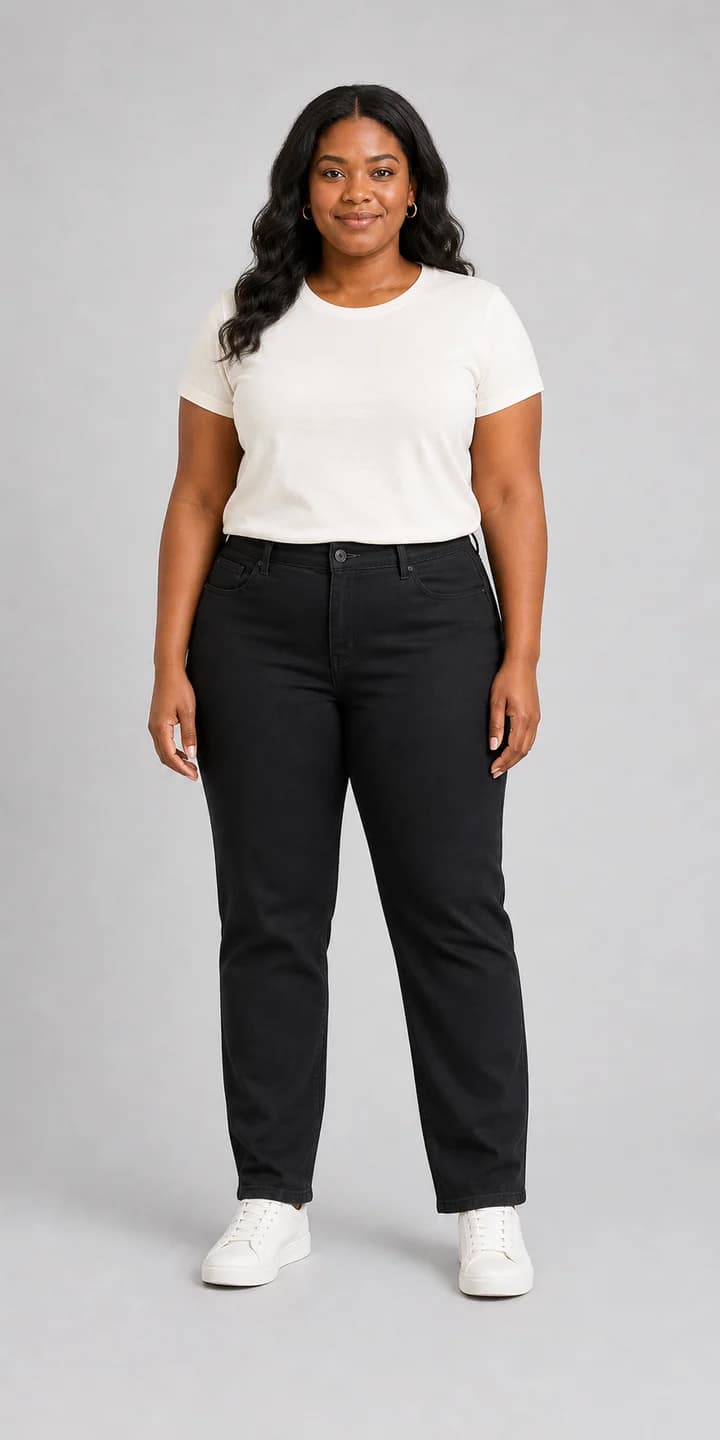
Body representation
Use plus size and curvy model paths so users are not forced to infer fit from one narrow body type.
Preview outfits on curvy and plus size body types before shopping, styling, or creating content.
Many virtual fitting tools make users infer fit from a narrow model set. This plus size virtual try-on path focuses on curvy body representation, realistic outfit previews, and practical photo guidance.
For better results, upload a front-facing full-body photo in natural light. This gives the AI more reliable body mapping for fabric drape, sleeve length, waist placement, and silhouette.
Use it to compare real styling questions before buying: where the waist sits, how sleeves fall, whether the dress shape feels balanced, and whether the outfit still looks like you.
A useful plus size try-on page should help users see body representation, understand photo quality, and know the limits before checkout.
Use plus size and curvy model paths so users are not forced to infer fit from one narrow body type.
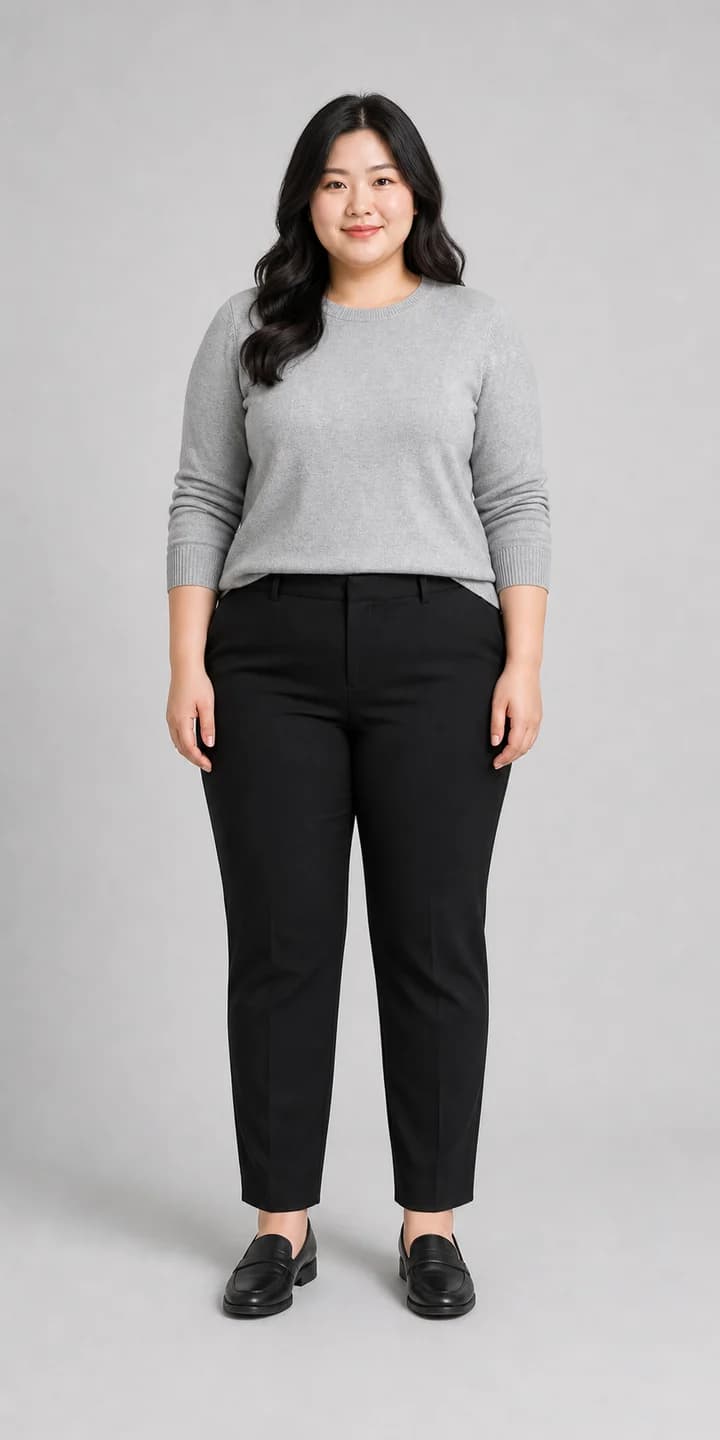
Judge sleeve length, waist placement, and garment fall before buying or styling.
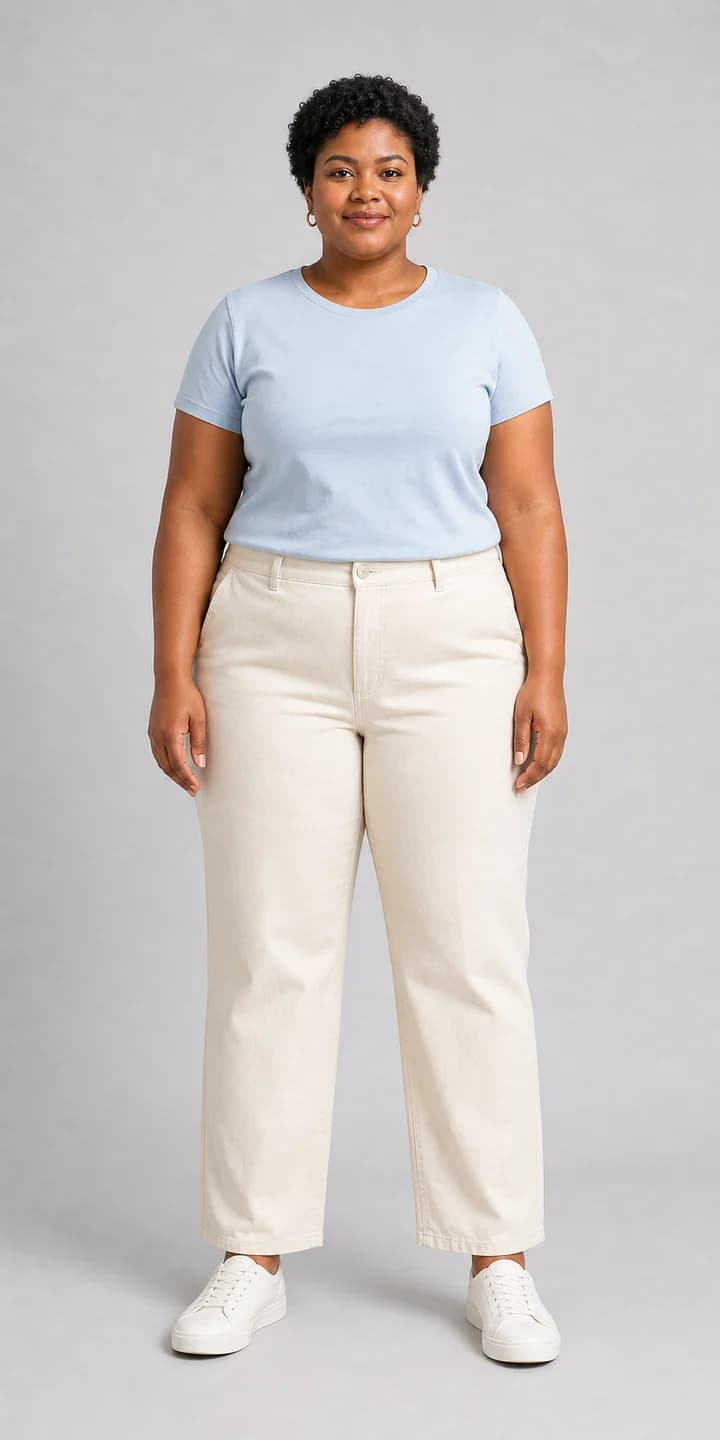
Front-facing full-body photos in natural light make virtual try-on more useful.
A helpful preview needs more than a clothing swap. It should preserve the person, show how fabric falls over curves, and make the limits clear before a user spends credits.
Keep shoulders, waist, hips, and hem visible. Cropped mirror photos make sleeve length and drape harder to judge.
Natural light helps the model separate body shape from clothing folds and background noise.
Test a dress, jacket, or top clearly first. Mixing too many garment references can make the preview less reliable.
Use the output to compare silhouette and styling, not as a final size guarantee.
The shoulder seam should sit naturally instead of sliding too far inward or outward.
Check whether belts, seams, and dress shape land where you expect on your body.
Compare sleeve ending, dress length, and pant break against the original pose.
Look for believable folds instead of a flat sticker-like garment.
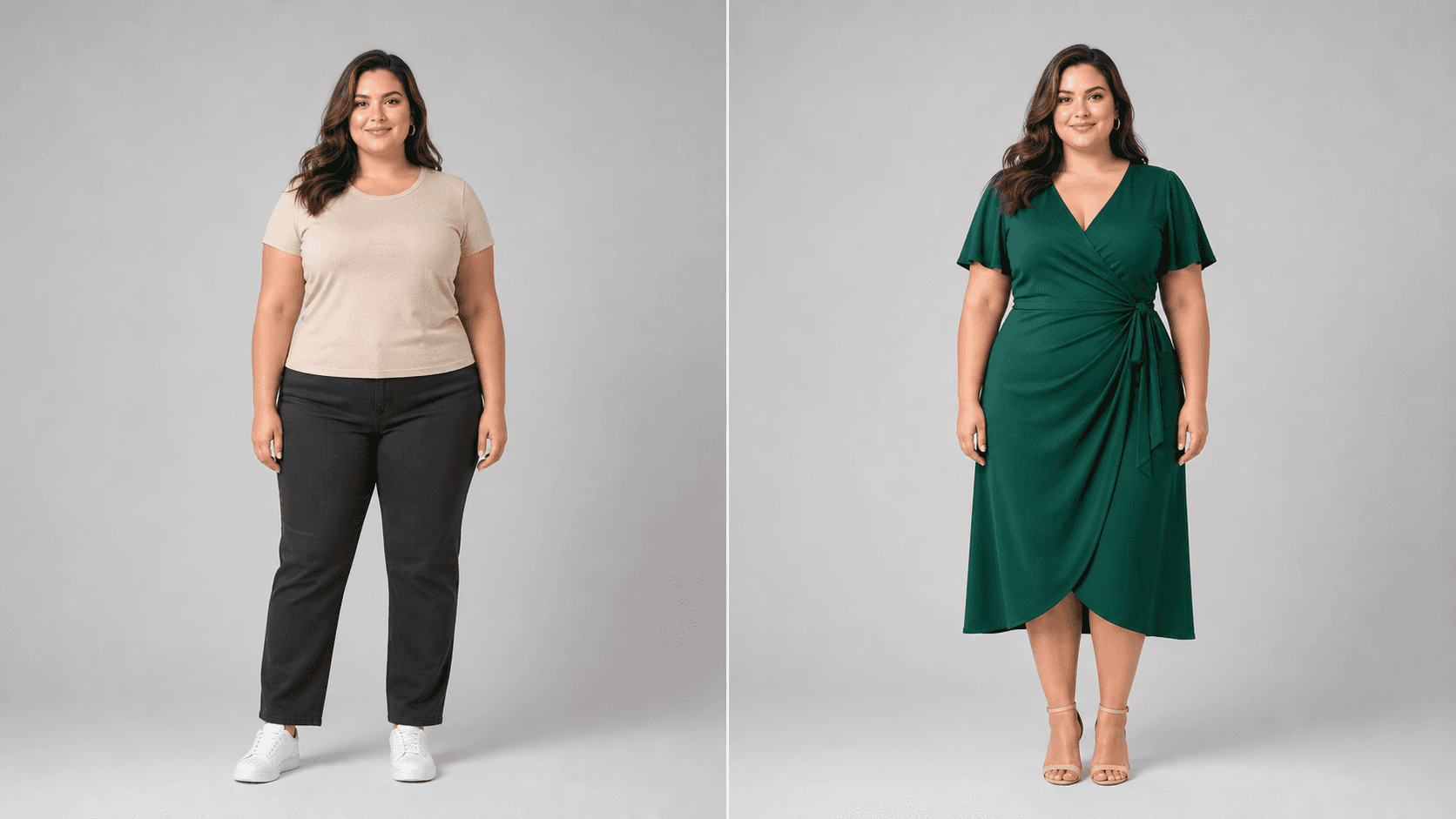
Curve-aware outfit previews
Front-facing full-body guidance
No forced checkout before judging quality
No. It is a visual preview for silhouette, styling direction, fabric drape, and photo planning. Always check the retailer's size chart, measurements, and return policy before buying.
Use a clear front-facing full-body photo in natural light. Keep shoulders, waist, hips, legs, and garment edges visible so the preview can map the outfit more reliably.
Yes. You can start with built-in plus size model examples when you want to compare outfit direction quickly, then upload your own photo for a more personal preview.
Look at shoulder line, waist placement, sleeve length, hem length, and fabric folds. These details are more useful than judging the image from a small thumbnail.