

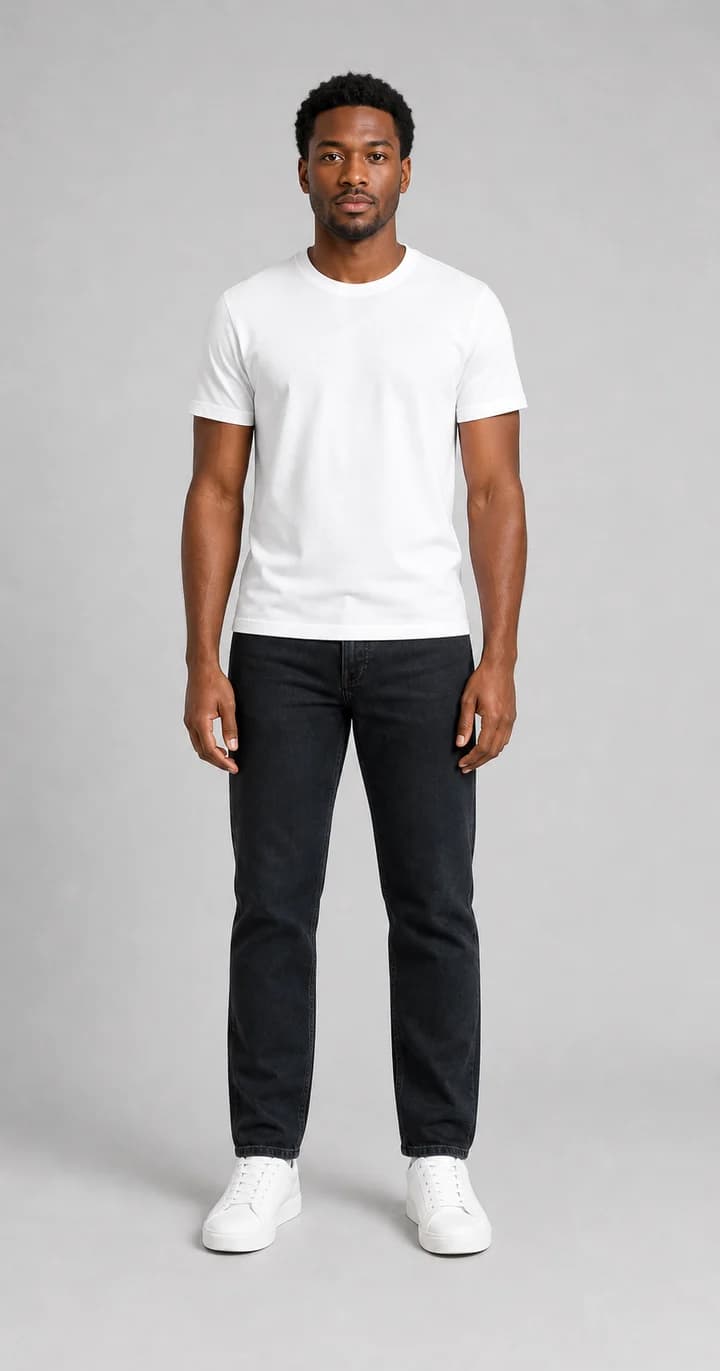
Workwear preview
Test shirts, jackets, and cleaner looks before a profile update or shoot.
Upload a male photo and try new outfits online, from casual looks to sharper shirts, jackets, and workwear.
Use it for practical decisions: a cleaner profile photo, a sharper workwear look, a casual streetwear check, or a quick comparison before buying a shirt, jacket, or suit.
Shirts, jackets, and workwear previews
Casual and streetwear previews
Upload photo or clothing reference
Test shirts, jackets, and cleaner looks before a profile update or shoot.
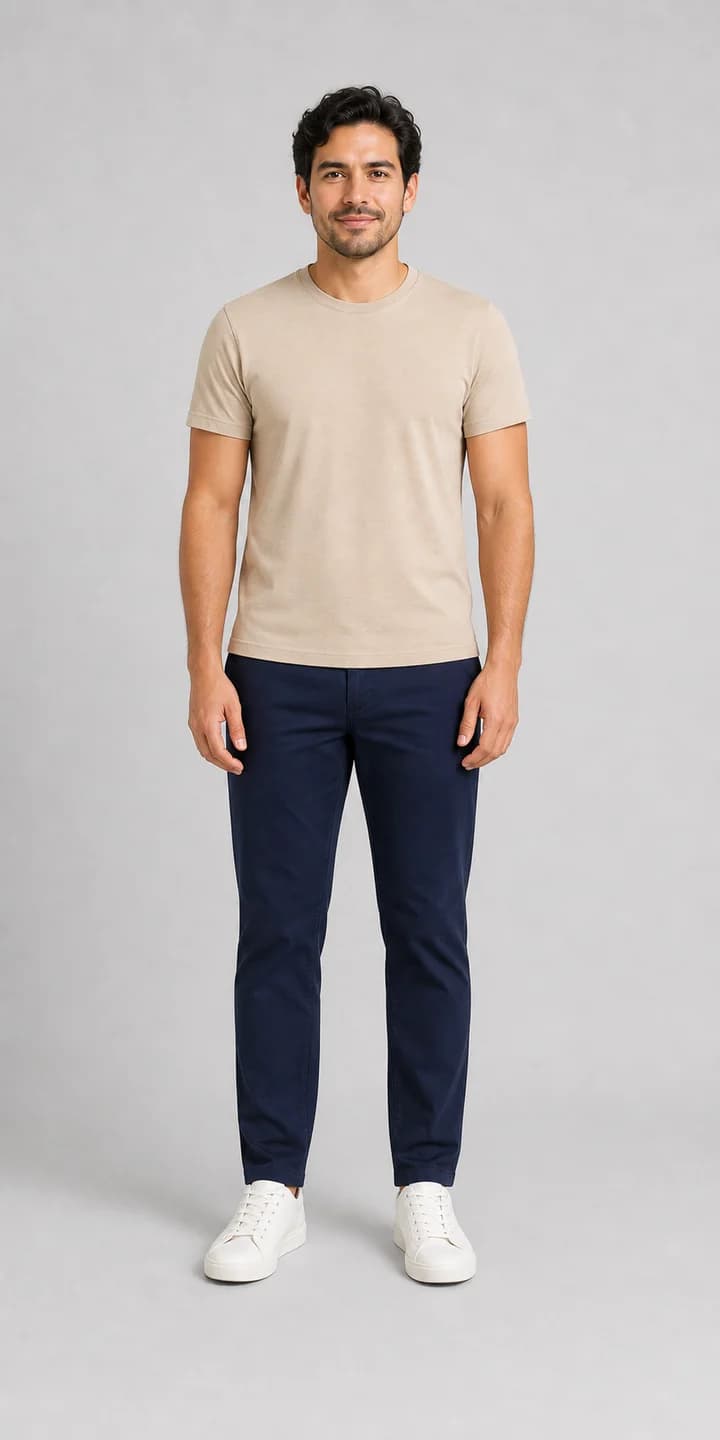
Compare casual layers and silhouettes quickly with a consistent model photo.
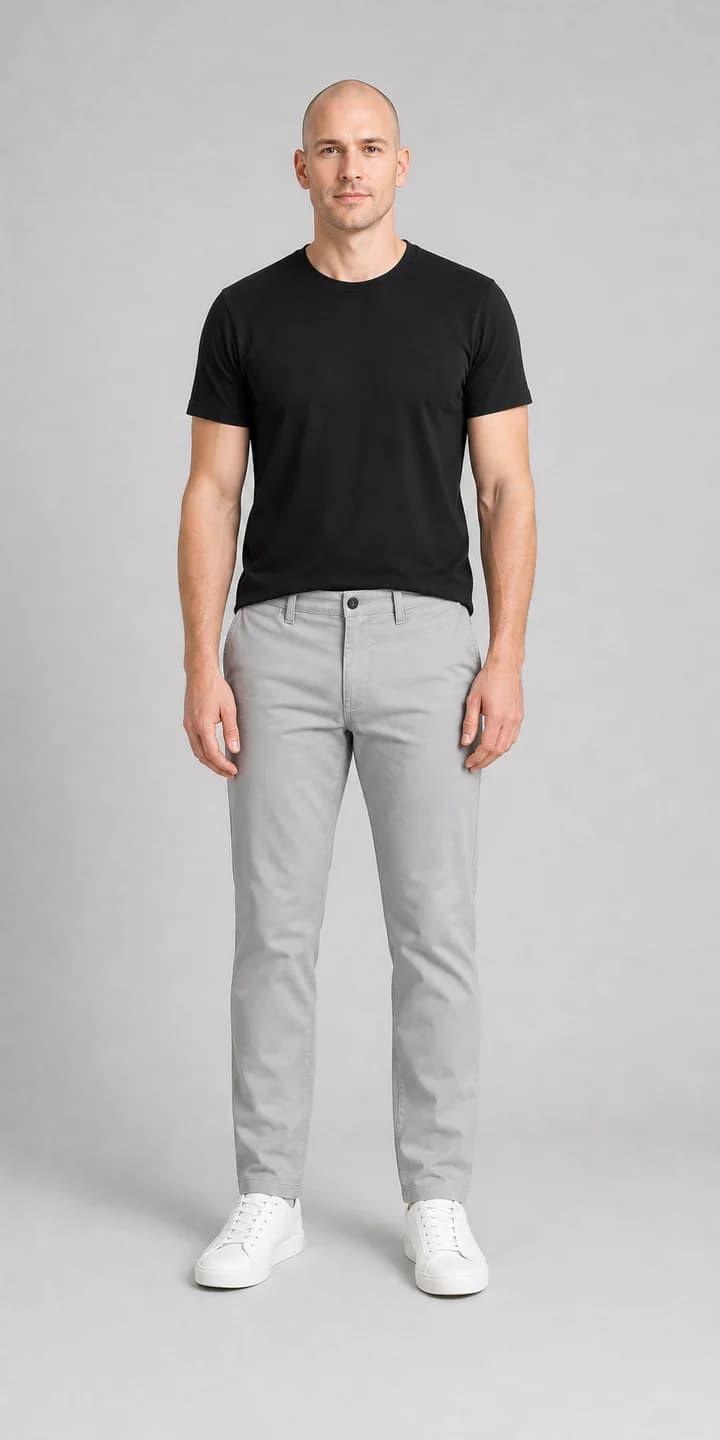
Use a garment reference to decide whether the color and fit direction are worth trying.
A straight or slightly angled pose makes blazers, shirts, and trousers easier to align.
Profile crops can work, but full upper-body photos give better reads on jacket length and shirt fit.
Try workwear, streetwear, or profile looks separately so the result answers one clear intent.
Check whether the garment color works with skin tone, background, and body proportion.
Men's try-on pages should answer practical questions: does the jacket sharpen the profile, does the shirt length work, and does the outfit feel natural enough for shopping or a profile photo?
Choose a men's modelA good result should keep the jacket structured without making the body look stiff.
Check whether the shirt tucks, hangs, or layers in a believable way.
Make sure the generated outfit still fits the photo lighting and background.
The outfit should change without turning the person into someone else.
Men's AI clothes changer pages should help users separate a practical outfit preview from a novelty edit. Compare the result by use case before downloading or regenerating.
| Decision point | What to inspect | Why it helps | Limit |
|---|---|---|---|
| Profile photo | Cleaner shirt or jacket | Tests a sharper avatar before reshooting | Face and posture must stay consistent |
| Shirt try-on | Collar, sleeve, and torso alignment | Useful for casual and smart-casual shopping | Exact size still depends on brand measurements |
| Suit or blazer | Shoulder structure and jacket length | Good for workwear and event looks | Hands, lapels, and cuffs need careful inspection |
| Streetwear layers | Color, silhouette, and layering balance | Compares outfit direction quickly | Very loose layers can hide body landmarks |
The page is written for users comparing everyday outfits, workwear, and cleaner profile looks, not just broad fashion effects.
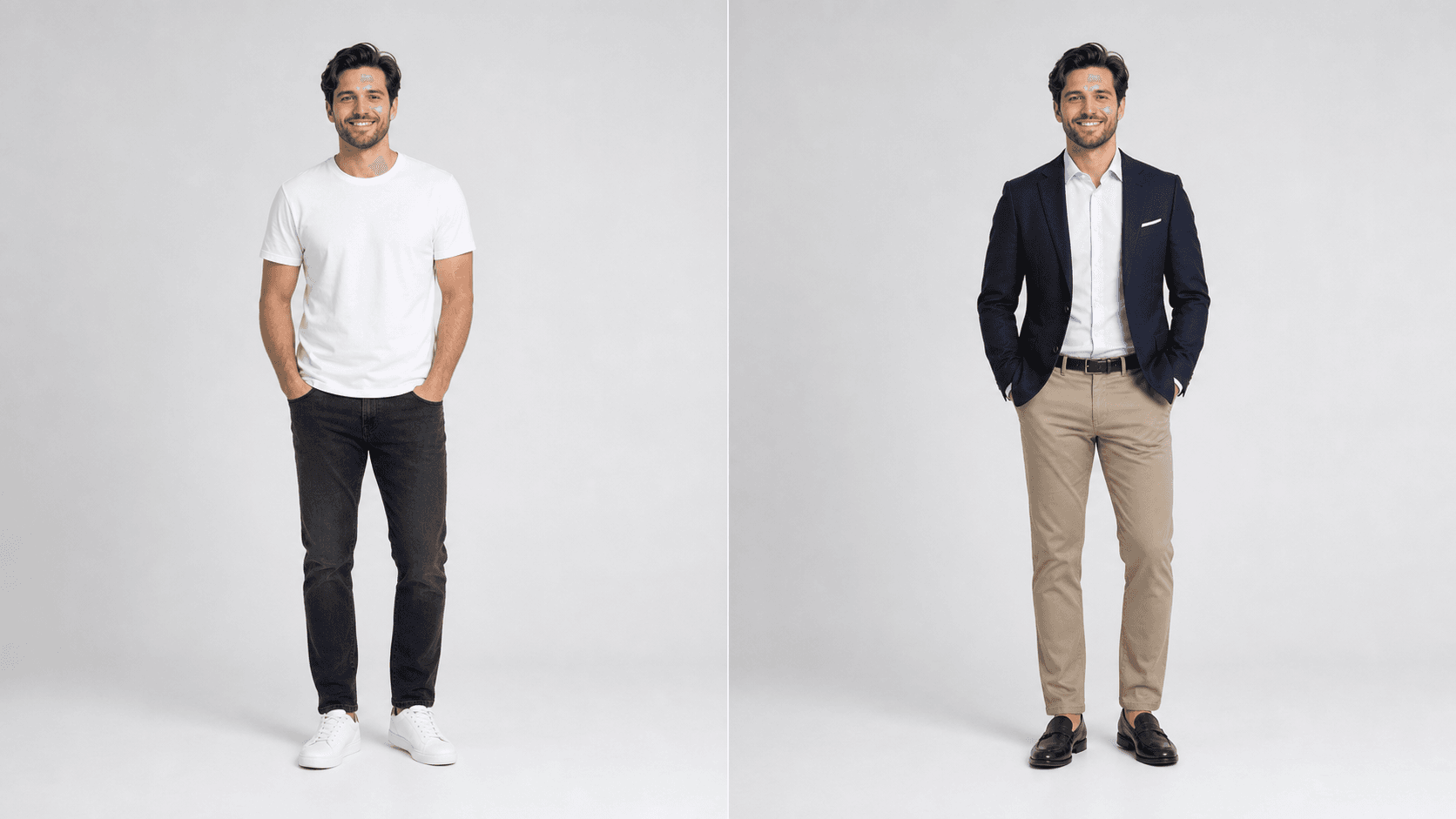
Yes. Men's try-on is useful for testing shirts, jackets, and cleaner profile looks before reshooting or updating an avatar.
Simple shirts, blazers, jackets, suits, streetwear layers, and clean workwear usually work best because the garment structure is easy to compare.
For shirts and jackets, an upper-body photo can work. For suits, trousers, or full outfits, a full-body photo gives a better read on proportion and length.
The product goal is to preserve face, posture, and identity while changing the outfit area. Clear lighting and a simple pose improve consistency.